
Interactive Displays for Classrooms, Training and Meeting Rooms
An interactive display is a large touchscreen that lets you write, annotate, present and collaborate directly on screen. HiAV supplies, installs and supports interactive displays for schools, universities, training rooms and meeting rooms across Scotland and North of England.
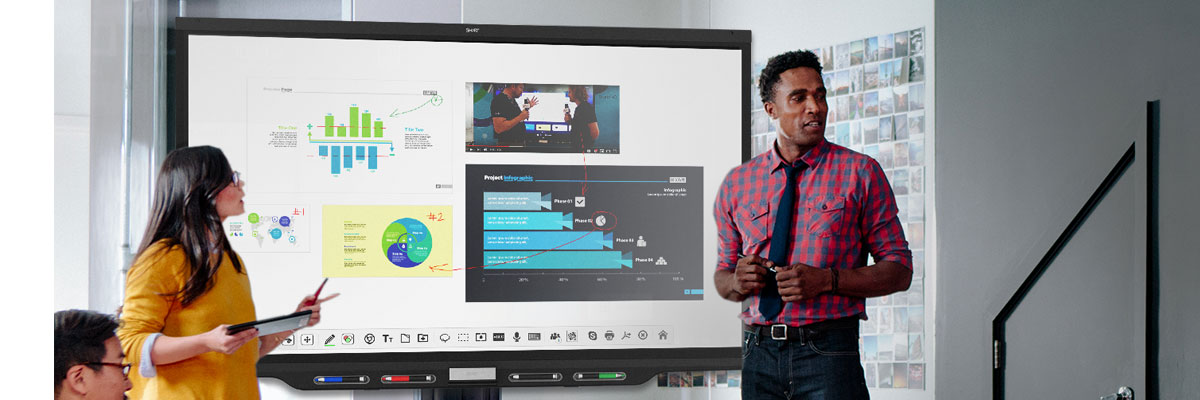
Interactive displays replace the projector, whiteboard and flip chart with a single device, so teaching, workshops and meetings become more engaging.
[Request a quote] [Call 0141 946 7300] [Shop online]
What can you do with an interactive display?
- Write and draw on screen like a whiteboard, then save and share notes
- Present slides, video and documents with touch control
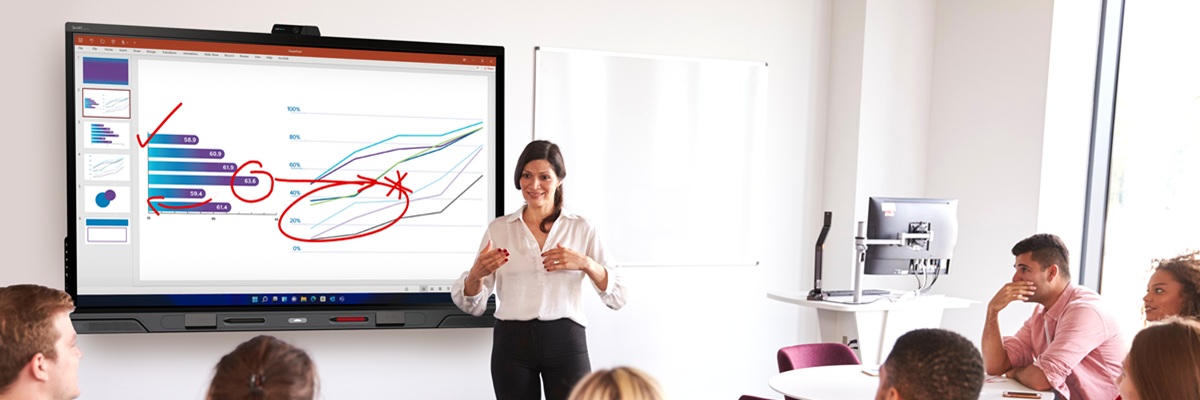
- Annotate over any content, including websites and documents
- Share from laptops, tablets and phones, wired or wirelessly
- Run apps and collaborate in real time
- Join video calls from the same screen when paired with a camera and audio
Where interactive displays work best
- Schools and colleges: engaging lessons, group activities and easy lesson capture
- Universities and training centres: lectures, workshops and tutorials
- Meeting rooms and boardrooms: collaborative sessions and brainstorming
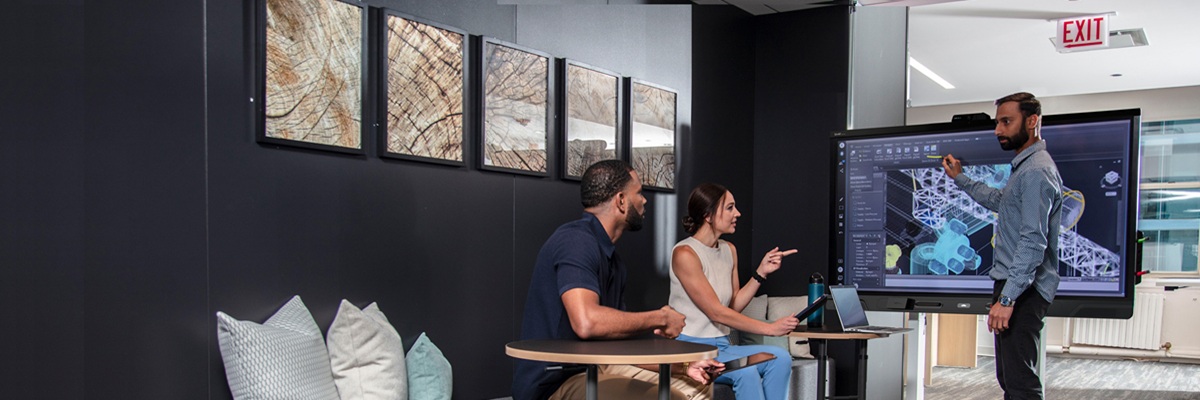
- Innovation and creative spaces: workshops and design reviews
What to consider when choosing
- Size: match screen size to room size and viewing distance
- Resolution: 4K gives sharp text and detail on larger screens
- Touch quality: responsive multi-touch and good pen performance
- Built-in computing: built-in apps or a slot-in PC
- Mounting: wall mounts or mobile stands depending on how the room is used
- Support and warranty: up to 5 years on-site
Interactive display FAQs
What is an interactive display?
An interactive display is a large touchscreen for presenting and collaborating. You can write on it, annotate content and control it with touch, and it can replace a projector and whiteboard.
How is it different from a normal TV?
Interactive displays have touch sensing, collaboration software and are built for regular professional or classroom use, while TVs are designed for passive viewing.
What size should I choose?
It depends on room size and audience. Larger rooms need larger screens, while small meeting rooms can use smaller sizes. We can advise after seeing your space.
Do you install and train staff?
Yes. We install the display and can train your staff for free on-site or remotely.
Can I use one for video conferencing?
Yes, with a camera, microphones and speakers, an interactive display can double as a video conferencing screen.
Can I buy online?
Yes. Browse shop.hiav.co.uk or request a quote.
Related
[Meeting Rooms] [Wireless Presentation Systems] [Video and Audio Conferencing] [AV Install] [AV Support and Training]